Markdown files as Kanban boards

Kanban MD is a desktop app that lets you open a few text files and treat them as Kanban boards. It is fast, reliable and simple to use. It does not need internet connectivity, all data stays on your machine.

You can import Trello boards with trello2md, sync files across devices with syncthing, and edit it with any other text editor.

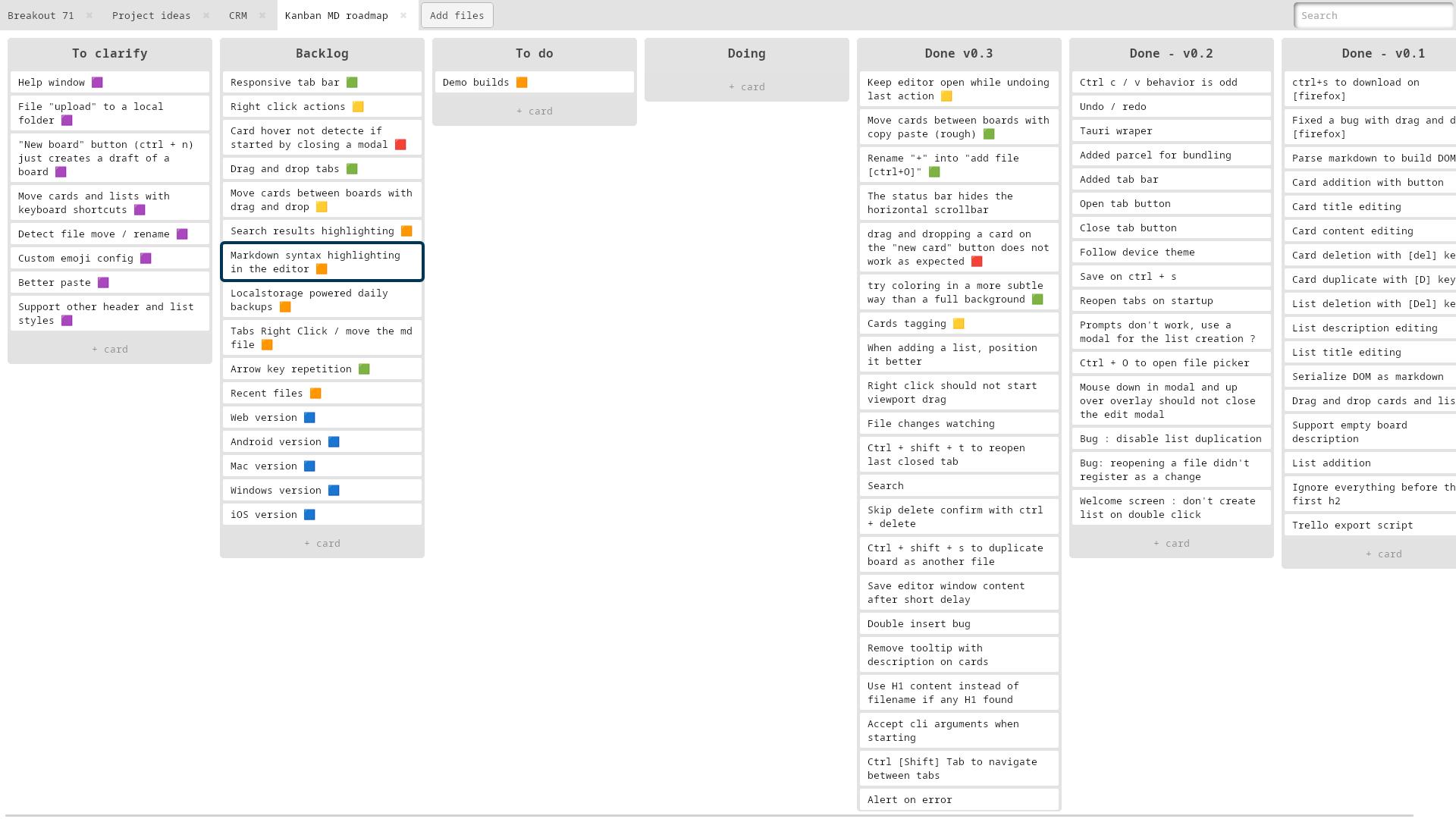
Organise your tasks

Tagging and organizing tasks

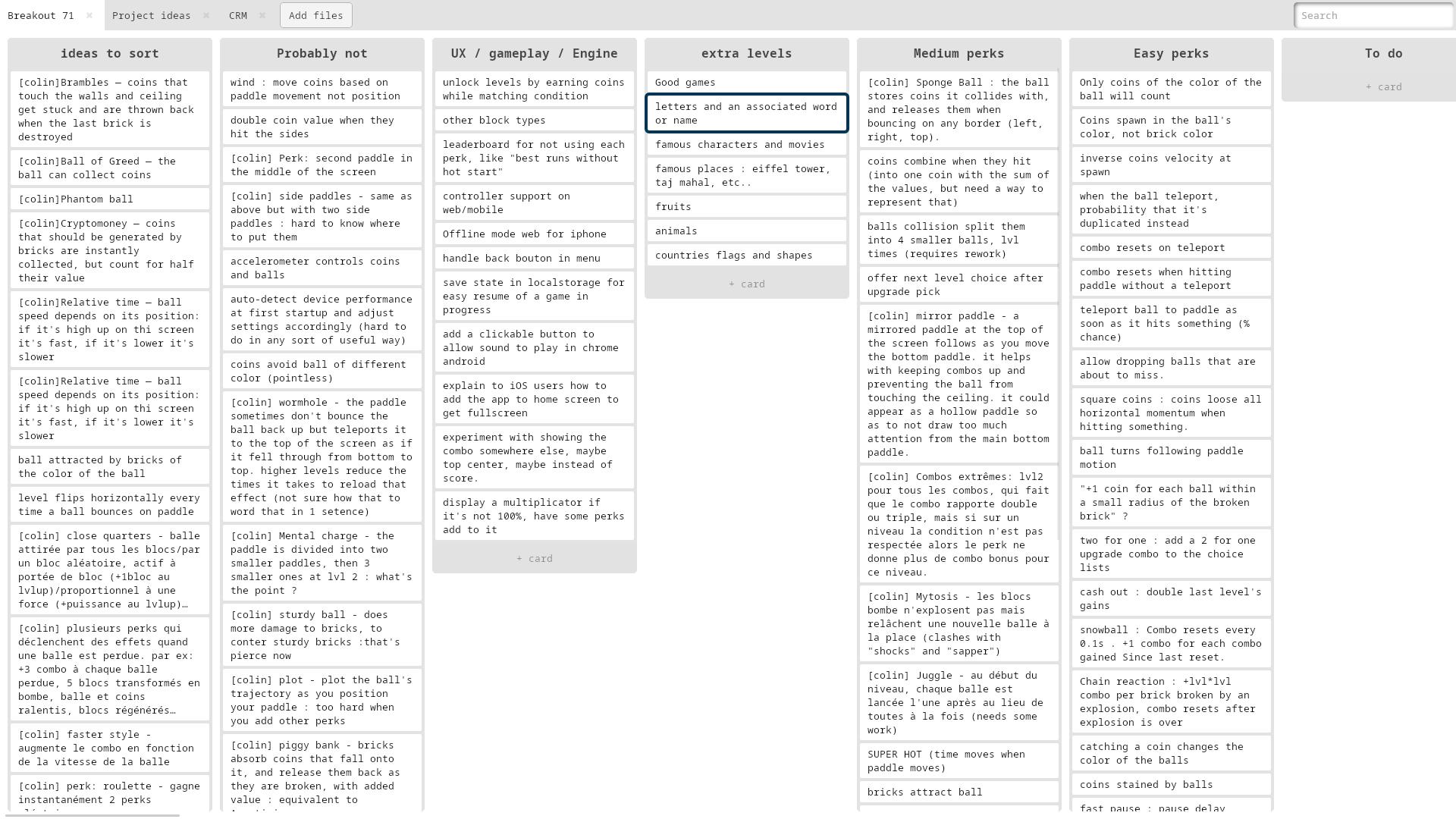
Each board is made of columns that contain cards. You can drag and drop card and columns. Double-click on the background to add a column, click "Add card" to add a card.

You can copy/cut/paste cards and list with ctrl/⌘ + c/x/v. This lets you easily move them between boards. Navigate your board with the arrow keys. You can duplicate cards and list with ctrl/⌘ + d and delete them with del/backspace.
Edit cards content

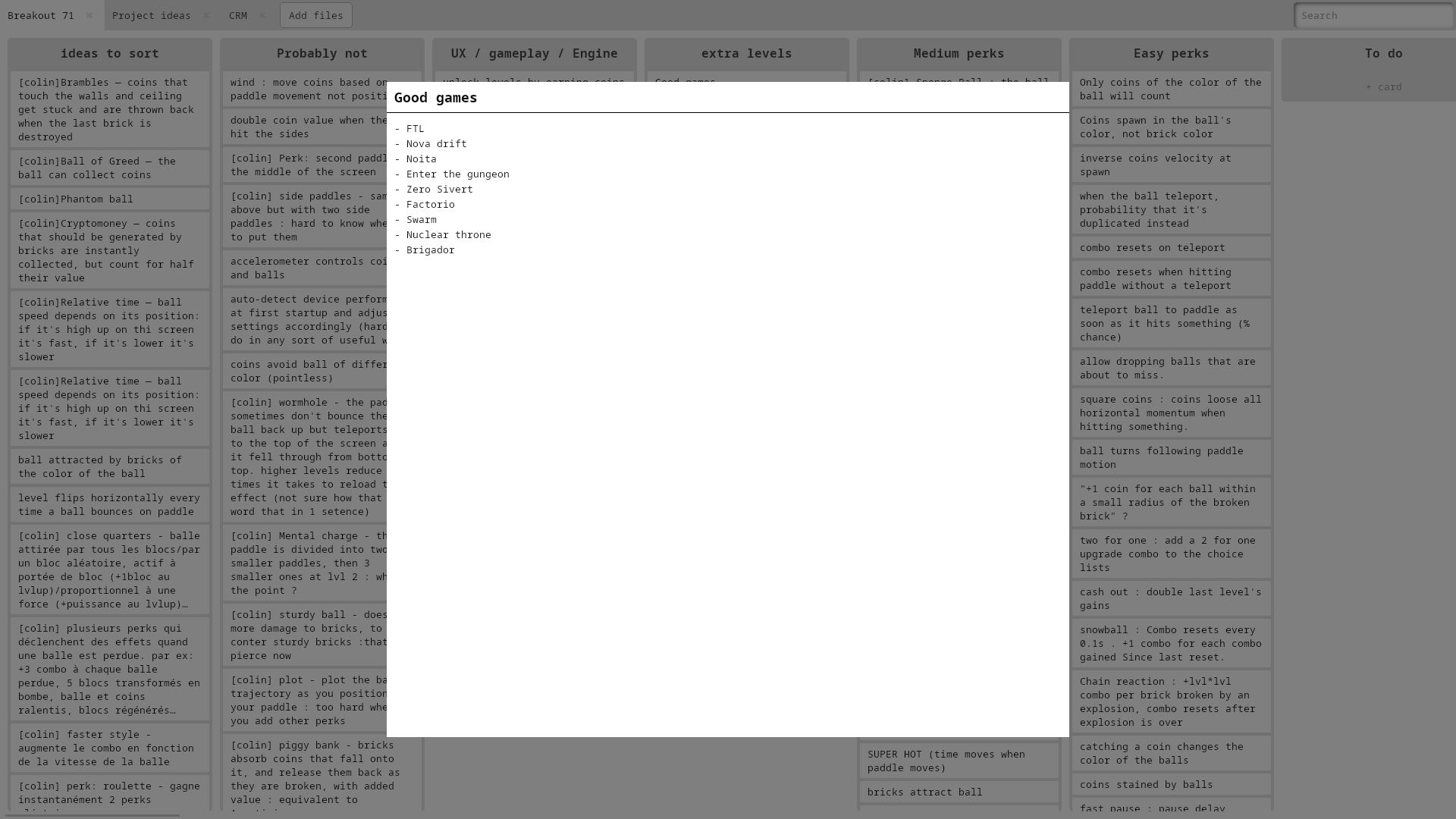
Card editing

Press enter to open focused card or section. You can also just click it. There is no “preview pane”, the source is your note content. Everything auto-saves instantly.

Undo/redo your edits with ctrl + (shift) +z. Press escape or ctrl + enter to close. Or just click the backdrop.

Simple Cards Search

Search feature

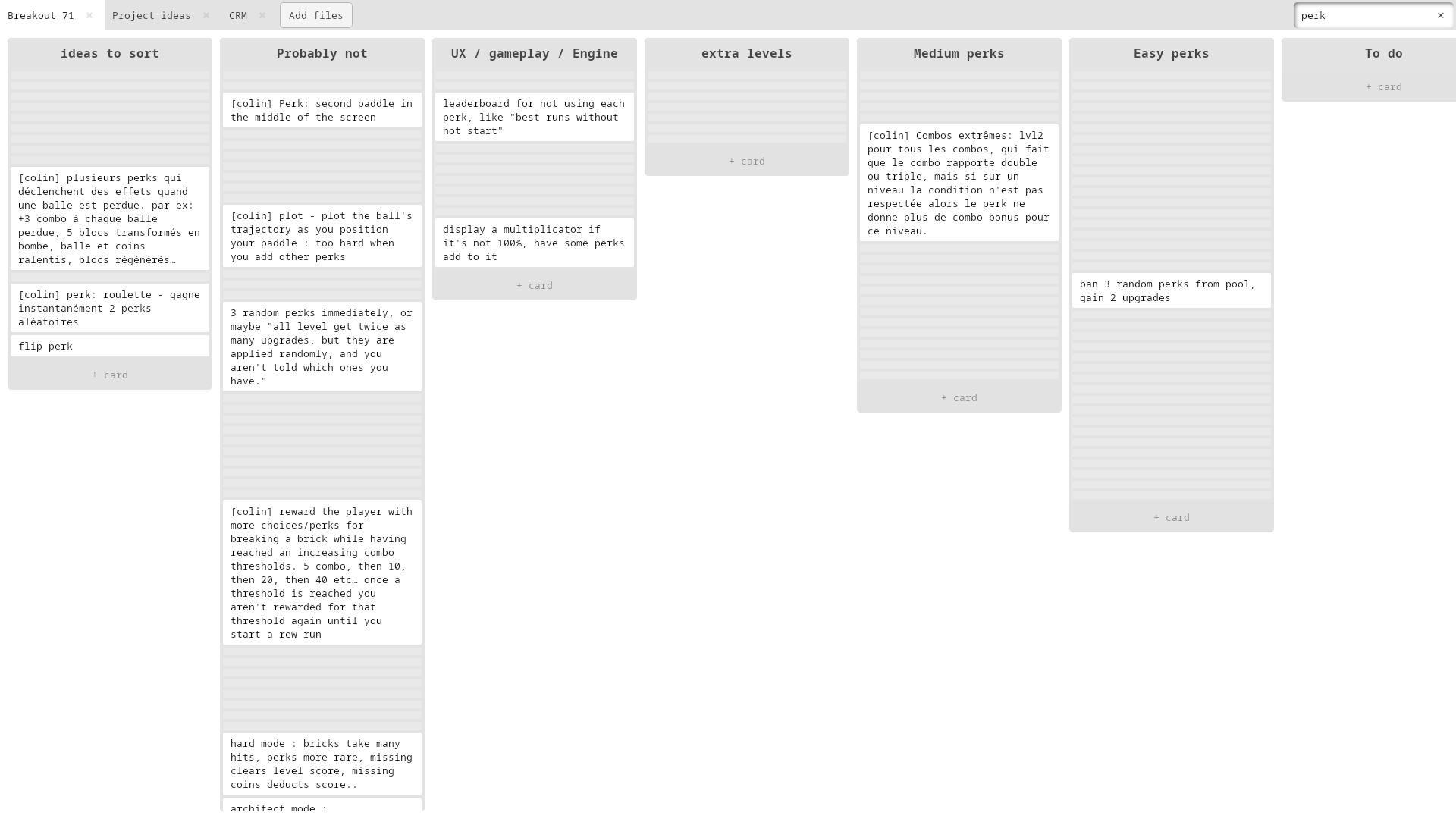
The search in the top right works by filtering the cards, making the very small if they don’t match they keyword typed. A card can be matched on its title or description.

You can reach the search quickly by typing ctrl/⌘ + f. Clear it with escape. The search is kept when moving from tab to tab by clicking or ctrl/⌘ + (shift) + tab.

Minimal Cards Tagging

Usage of colored flags

You can add one or more colored flags to cards by pressing keys 1 to 8. Press again to remove. All this does is add a colored square emoji to the card’s title. You are free to attach meaning to each color. Add a colored square emoji to the hovered card with 1/2/3/4/5/6/7/8.

Download the demo

This software is currently only available on linux. The demo lets you test that everything works on your machine. You can get the portable version (5.2M) and add it to your path, or get an installer like kanbanmd-demo.deb (2.3M) or kanbanmd-demo.rpm (2.3M)

This demo build is valid until 2026-02-06 (iso date format). Afterward, you'll need to re-download the demo or buy the full version (24€).

Trello board to markdown

Trello lets you back up your board as json for free. This tool converts the json to markdown. Open your trello board settings, click "print, export, and share" and then "export as JSON".

Drop the file here:
This tool will convert it to md. Review the preview and download the markdown file.
No data leaves your device.